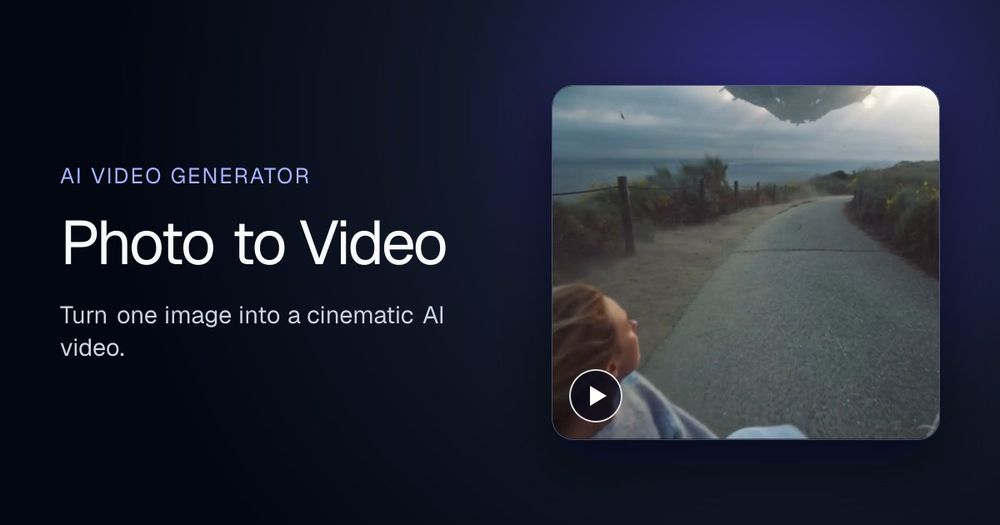
Photo to video AI generator with Seedance 2.5, MiniMax H3, Kling, Wan, up to 4K. Free credits, no subscription.
Overview
Photo to Video turns any still photo into video. Upload one image, optionally write a motion prompt, and get a clip. It runs in the browser at https://photo2video.ai/. New accounts start with free credits. There is no subscription. After the free credits, you pay per video.
Key features
- Animate a single photo into smooth motion while the subject stays sharp and the scene comes alive.
- Bring faces, hair, and water to life with natural movement. One image in, video out.
- Spin a product or subject on a clean loop from one shot, useful for listings and showcases.
- Make portraits blink, smile, and turn so headshots and older photos come alive.
- Place a subject in a moving lifestyle setting, such as a room, desk, or street, with matching light.
- Animate or swap the backdrop behind a subject so skies, water, and scenery move while edges stay clean.
Models
Switch models per shot, compare results, and keep one workspace:
- Seedance 2.5 for fashion-grade, ultra-realistic product motion and cinematic lighting, ideal for apparel and lifestyle clips.
- MiniMax H3 for dialogue, effects, and room tone written with the picture, with native 2K and a fast draft.
- Kling for native lip-sync, multi-shot storyboarding, and lifelike spokesperson performance.
- Wan for a wide-angle camera look: precise product rotations, zooms, pans, and directed shot pacing.
- Output can reach up to 4K depending on the model you pick.
Getting started
Open https://photo2video.ai/, sign in, upload a photo, choose a model, and describe the motion you want. Preview the result, then download the video. Free credits cover the first generations. You do not pick a monthly plan.
Pricing
Free credits, no subscription. After the starter credits, generation is pay per video. You can stop at any time without a plan to cancel.