Overview
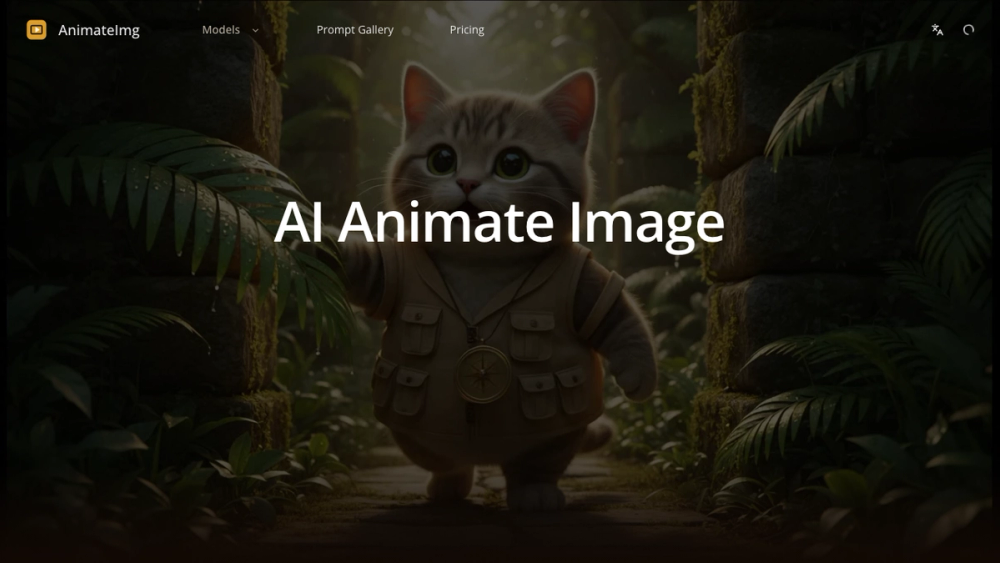
AI Animate Image is the fastest AI-powered image animator that turns any still photo into a short cinematic video in about 60 seconds. Whether you have a portrait, a product shot, a game character, an old family photo, or an AI-generated image, this tool brings it to life with natural motion, camera movement, and optional audio.
The platform runs multiple top AI video engines behind the scenes — including Kling 3.0, Google VEO 3.1, and Seedance 2.0 — automatically selecting the best model for your image type.
Key Features
- 60-Second Photo-to-Video Pipeline — Upload any photo, pick a style from the curated prompt library, and get a cinematic MP4 in about a minute.
- Multiple AI Video Engines — Powered by Kling 3.0, Google VEO 3.1, and Seedance 2.0 with automatic model selection.
- Two Generation Modes — Image to Video and Text to Video with flexible aspect ratios.
- Curated Prompt Library — Ready-made cinematic animation styles like Luxury Skincare Commercial, Orbit Camera Reveal, Dolly Zoom Free Fall.
- Camera Control — Fixed lens or free camera movement for cinematic sweeps.
- Built-in AI Audio — Automatic audio generation synchronized to video motion.
- All Aspect Ratios — 16:9, 1:1, 9:16 for YouTube, Instagram, TikTok.
- MP4 Export — Ready for all social platforms and e-commerce.
- Free Credits on Signup — No credit card required.
Use Cases
- E-commerce brands turning product photos into video ads
- Portrait photographers offering living portrait upsells
- TikTok and Reels creators producing animated content from single photos
- Game developers creating animated trailers from concept art
- Marketing teams scaling video content from product photography
Pricing
Freemium model. Free credits on signup, no credit card required. Paid plans unlock more credits and commercial usage rights.
Getting Started
- Visit animateimg.org and sign up for free
- Upload any photo
- Pick a motion style or write your own prompt
- Click Generate and wait ~60 seconds
- Download MP4 and share anywhere