From video to publish-ready subtitles in one browser
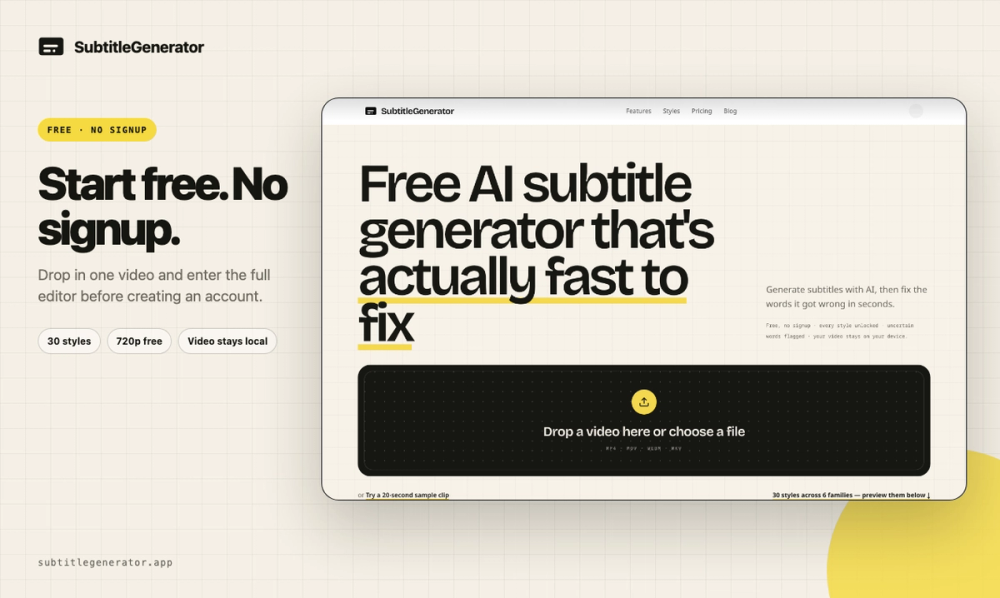
SubtitleGenerator is a complete browser-based subtitle workflow for creators who want to move from a video file to corrected, styled and export-ready captions without stitching together several tools. Start with your own video or a sample, generate timed subtitles, review the result, edit text and timing, translate the full track, choose a caption style and export for publishing.
A complete workflow, not just transcription
Automatic transcription creates the first draft, but a usable subtitle workflow cannot stop there. SubtitleGenerator keeps the transcript, timeline, preview and visual controls together in one editor. You can correct wording, adjust timing, split or merge subtitle segments, preview the result against the video and continue through styling and export without restarting in another app.
Fix gives review a finish line
The differentiated Fix workflow flags uncertain words instead of hiding possible mistakes inside a long transcript. Each flagged item becomes a concrete review target, and the remaining count moves toward an “All clear” state. Fix is an important part of the product, but it sits inside the broader video-to-subtitle system: generate first, correct what needs attention, then translate, style and export.
Translate and style in the same editor
Pro and Max users can translate the complete subtitle track into 109 languages while keeping the source workflow aligned. Creators can also choose from 33 caption styles, tune typography and appearance, preview animated captions and prepare subtitles for different publishing formats. All 33 styles are available on the free plan, so users can explore the visual workflow before upgrading.
Export for the way you publish
SubtitleGenerator can render a captioned video or export subtitle files for downstream editing and distribution. Paid plans add HD video without a watermark, eight subtitle formats, custom fonts and saved brand styles. The goal is to cover the full path from raw video to a deliverable asset, whether you publish on YouTube, short-form social platforms, course sites or client channels.
Privacy-aware by design
Your original video stays in your browser. The browser reads the local file and renders supported exports; only the extracted audio needed for transcription is processed. This keeps large source videos out of the upload loop while still providing AI transcription.
Free to start
You can try one video up to 10 minutes without creating an account. This makes it easy to test the real editor and workflow before choosing Pro, Max or pay-as-you-go options. SubtitleGenerator is designed for YouTubers, content teams, educators, marketers, podcasters and video editors who need more than a transcript: they need subtitles that are reviewed, styled and ready to publish.