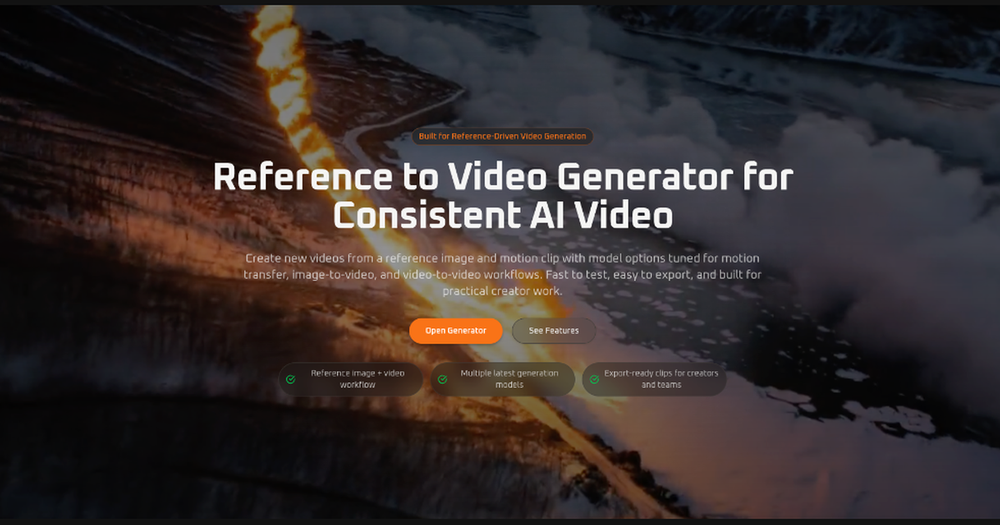
Reference to Video Generator is an advanced AI tool designed for creating consistent and high-quality videos from reference images and source media. It caters to creators, marketers, and teams by offering a multi-model workspace for various video generation workflows, including image-to-video, video-to-video, and reference-guided AI video creation. The platform emphasizes practical application, allowing users to quickly test, generate, and export production-ready video clips.
Key Features:
- Reference-Guided Video Generation: Provides stronger directional control to AI models using source images and videos, enabling precise animation, guided generation, or video transformation.
- Better Subject Consistency: Utilizes a reference image to maintain consistent identity, clothing, silhouette, or product appearance across all generated frames, crucial for branding and character integrity.
- Multi-Model Workflow: Offers flexibility to switch between specialized AI models, each optimized for different outcomes such as motion transfer, flexible image-to-video, polished quality, or video-to-video transformations.
- Export-Ready Output: Generates video clips in practical aspect ratios and resolutions suitable for immediate use in advertisements, social media content, product demonstrations, and publishing without further editing.
- Share-Ready Results: Facilitates easy review, export, and sharing of polished video clips with collaborators, clients, or target audiences, streamlining feedback and distribution processes.
- Ready-to-Share Video Exports: Delivers clean, high-quality videos perfectly formatted for popular platforms like TikTok, Instagram Reels, and YouTube Shorts, eliminating the need for post-production adjustments.
How to Use Reference to Video:
The process is streamlined into three simple steps:
- Upload a Reference Image: Begin by providing a clear image of the subject to ensure visual consistency. Optimal results are achieved with clean framing and visible details.
- Add Source Video When Needed: For models supporting reference-guided generation or video-to-video transformation, users can upload a source video to guide the motion or style.
- Generate and Export: After selecting desired resolution, aspect ratio, and the appropriate AI model, users can generate a new video, review it, refine if necessary, and then export the final clip.
Use Cases:
The generator supports a wide range of applications:
- Character Motion Tests: Transfer movement from an existing clip to a new character while preserving the visual identity from a reference image.
- Product and Fashion Demos: Create dynamic, motion-driven clips for product showcases, fashion ads, or concept previews by maintaining product appearance via reference images.
- Social Content Production: Rapidly produce short, engaging vertical or horizontal videos for social media campaigns, creator posts, and experimental content.
- Video-to-Video Restyling: Transform existing video clips into different visual styles or treatments without reconstructing the original motion.
- Creative Prototyping: Quickly test various movement directions, pacing, and framing options to iterate on creative concepts before committing to extensive production.
- Agency and Team Workflows: Enables teams to compare and utilize multiple AI models within a single generator, adapting to diverse client requirements and project needs.