Newsletter
Join the Community
Subscribe to our newsletter for the latest news and updates
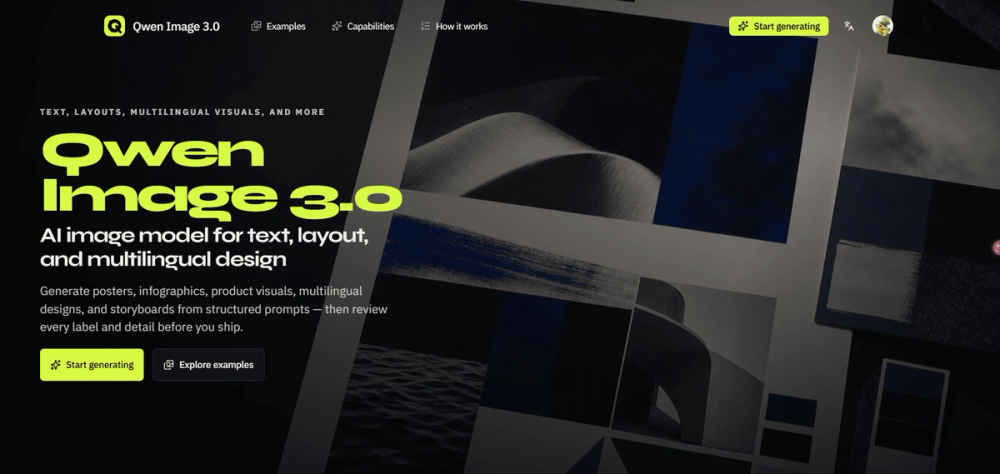
Use Qwen Image 3.0 to generate content-heavy visuals with readable text, structured layouts, and multilingual design — from a clear brief to a reviewable draft.
Qwen Image 3.0 is an advanced AI image model designed for generating content-heavy visuals with precision and control. It excels at producing images that require readable text, structured layouts, and multilingual design, moving from a clear brief to a reviewable draft.Key Features:Structured Content Generation: Create complex visuals like infographics, posters, and product ads by describing panels, labels, formulas, diagrams, and nested layouts within a single detailed brief. This eliminates the need to stitch together multiple vague prompts.Accurate Text Rendering: Integrate exact headlines, labels, formulas, and annotations directly into the image composition. Qwen Image 3.0 focuses on rendering small text, formulas, and dense layouts accurately, supporting native rendering across 12 languages. Users are advised to review spelling, numbers, and claims before publishing.Multilingual Design Capabilities: Plan a single design system that can be adapted across multiple languages. The model allows for changing supplied copy while maintaining a shared grid and visual hierarchy, making it ideal for localization teams to review translations and line breaks.Compositional Control: Users can define the focal point, reading order, spacing, camera angle, color palette, and material cues. This ensures that the generated image is not only visually polished but also functionally useful and aligned with specific design requirements.Reviewable Drafts: The workflow emphasizes generating a draft from a structured brief, followed by a crucial review phase to inspect text, numbers, facts, translations, layout, and fine details, allowing for prompt refinement.Use Cases:Qwen Image 3.0 is particularly relevant for professionals who need visuals where text, layout, sequence, language, or fine detail are critical components.Growth Marketers: Generate campaign drafts like posters or product ads with specific offers, headlines, benefits, and brand directions.Product Designers: Create UI or game-interface concepts by describing screens, controls, states, and visual hierarchy for design critiques.Educators: Arrange concepts, formulas, labels, and diagrams into visual lessons such as infographics or teaching slides with a deliberate reading order.Localization Teams: Explore compositions across various languages, inspecting every translation, line break, and label for multilingual campaign systems.Creative Directors: Review connected scenes, subject continuity, camera direction, and pacing for storyboards or multi-panel sequences before production.Ecommerce Teams: Combine product details, material specifics, lighting, benefit labels, and offer space into photorealistic product visuals.The platform guides users to write prompts like a design brief, covering purpose, main subject, layout, exact text, visual style, and constraints, ensuring a clear path from idea to a polished, functional visual.