
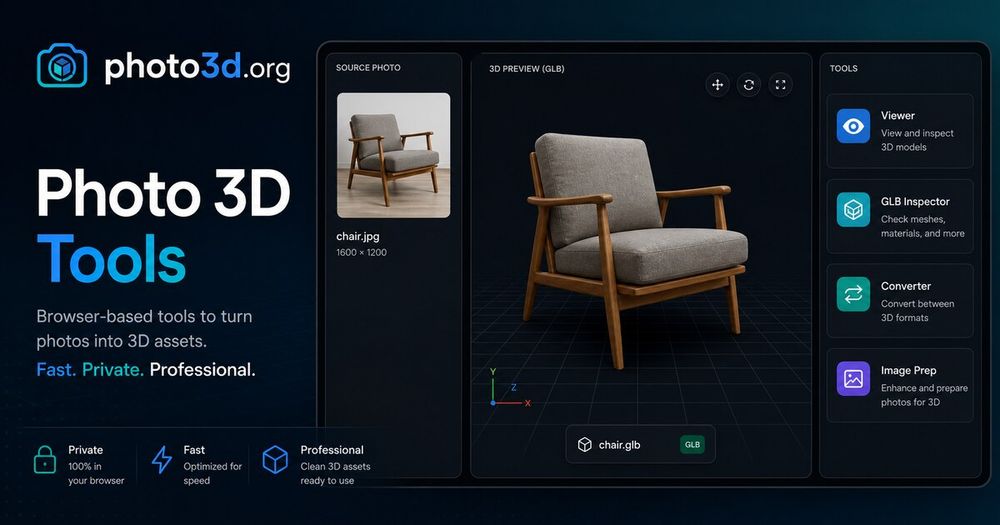
Photo3D is a comprehensive online platform designed for generating 3D models from images, offering a suite of free browser-based tools for 3D asset preparation, inspection, and conversion. The core functionality revolves around its "Photo 3D Generator Online," which allows users to transform public image URLs or uploaded local images (JPG, PNG, WebP, GIF, AVIF up to 10MB) into draft 3D assets, often without requiring sign-up or credits for public queue tests.
The platform emphasizes an efficient 3D asset workflow, guiding users to achieve optimal results from AI 3D generation. Key steps include preparing clean source images with centered objects and simple backgrounds, comparing different model lanes (pixel-aligned, multi-view, or reconstruction passes) for the best output, and thoroughly inspecting the generated GLB asset before further editing or publishing. Photo3D provides readiness checks to ensure source images are readable, the correct model lane is chosen, and the output is previewed for geometry, scale, visibility, normals, and material coverage.
Beyond generation, Photo3D offers an extensive collection of free, browser-based 3D tools that run locally without uploads. These utilities are crucial for pre-processing source images and post-processing generated 3D models. Notable tools include:
- 3D Model Viewer: For inspecting GLB, OBJ, STL, and FBX models.
- 3D Viewer & Editor: To arrange models, transform selections, and export various 3D formats.
- GLB Inspector: For detailed examination of GLB structure, scenes, meshes, materials, and animations.
- 3D Format Converter: Supporting conversions between 3MF, GLB, glTF, OBJ, PLY, and STL.
- Texture Checker: To verify texture dimensions and GPU memory.
- Image Compressor & Converter: For optimizing and converting source images (PNG, JPG, WebP, AVIF) and creating transparent PNGs.
For users requiring more advanced features, Photo3D offers an account-based workflow that provides saved generation history, account credits, and managed AI 3D tasks. This focused workspace integrates photo-to-3D generation, alternate reconstruction review, GLB delivery review, and storage-backed outputs, all configured for efficient deployment. The process is straightforward: upload an image, select a 3D model (like Hunyuan3D-2.0), review the 3D pass for quality, and then download the GLB output. Photo3D aims to streamline the entire image-to-3D pipeline, from initial image preparation to final 3D model delivery, making it accessible for both quick tests and more structured projects.