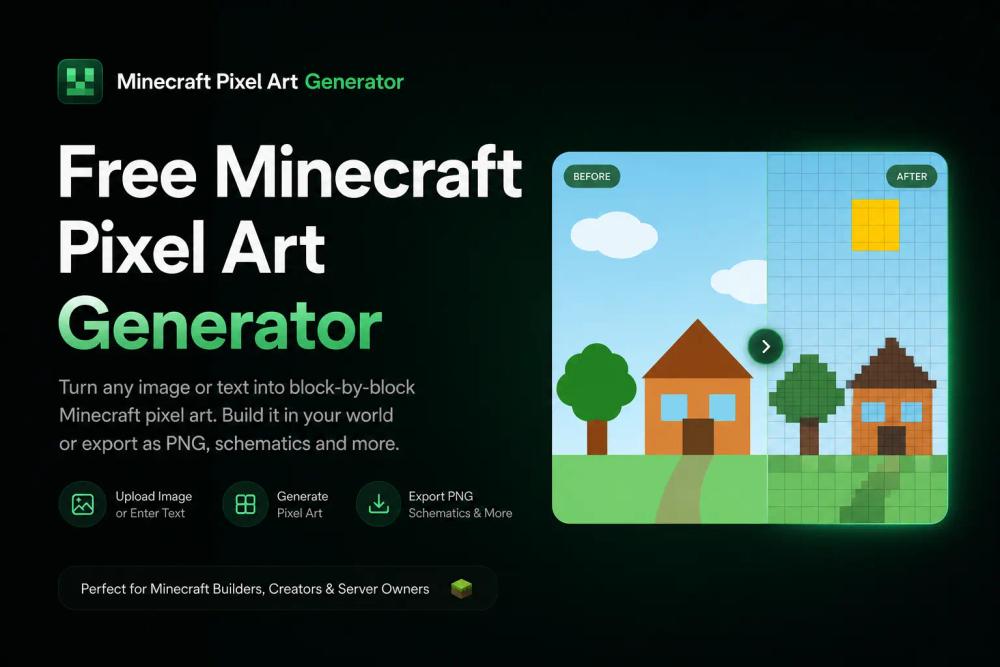
The Minecraft Pixel Art Generator is a free, AI-powered online tool designed to transform any photo or text prompt into buildable Minecraft pixel art. It leverages advanced AI image recognition to map pixels to real Minecraft blocks, ensuring authentic and recognizable creations. This generator supports current Minecraft versions (1.21+ blocks) and offers direct in-game export capabilities, making it an indispensable tool for Minecraft builders.
Key Features:
- Real AI-powered Pixel Art Generation: Unlike basic RGB color matching tools, this generator uses AI to understand subjects and edges, producing pixel art where objects remain identifiable, not just muddy blobs.
- Export Straight to Your World: Users can download .schematic, .litematica, or CSV material lists. These files allow for direct integration into Minecraft worlds using mods like Litematica or tools like WorldEdit/MCEdit, facilitating both survival and creative builds.
- Always Current-Version: The tool automatically tracks and updates to the latest Minecraft block palette, ensuring access to new blocks and colors, unlike outdated generators.
- Flexible Resolution and Block Palettes: Choose from resolutions ranging from 16x16 up to 128x128. Available block palettes include Concrete (saturated), Wool (soft), Terracotta (earthy), and an "All blocks" option for maximum color range. Dithering options (None, Floyd–Steinberg, Ordered) are also available for varied visual effects.
- Survival-Ready Material Lists: For survival mode players, the generator provides exact block counts in a CSV format, simplifying resource gathering and planning.
How it Works (Four Steps):
- Upload or Describe: Users can drop any photo (PNG, JPG, WebP up to 8MB) or type a text prompt.
- Pick Resolution & Palette: Select the desired pixel art resolution and a suitable block palette.
- AI Generates Minecraft Pixel Art: The AI processes the input, enforces a clean pixel grid, and maps pixels to the closest Minecraft blocks, with optional dithering.
- Export & Build: Download the PNG preview, CSV material list, .schematic, or .litematica file to begin building in-game.
Use Cases:
- Minecraft Pixel Art Portraits: Convert photos of faces or characters into blocky art for base walls or server entrances.
- Survival Minecraft Map Art: Generate 128x128 pixel art, export the material list, and recreate it block by block on a map item for authentic survival builds.
- Server Spawn Art & Logos: Create impressive visual elements for server spawns, community areas, or personal bases.
Benefits for Builders:
- Time-Saving: Automates the complex process of converting images to pixel art, saving hours of manual planning for large builds.
- Authentic Results: AI ensures that the generated pixel art preserves recognizable features and looks good in-game.
- Seamless Integration: Direct export options streamline the process of getting the pixel art into your Minecraft world.
This tool is ideal for any Minecraft player looking to easily create intricate and accurate pixel art, whether for decorative purposes, map art, or large-scale server projects, without requiring sign-up.