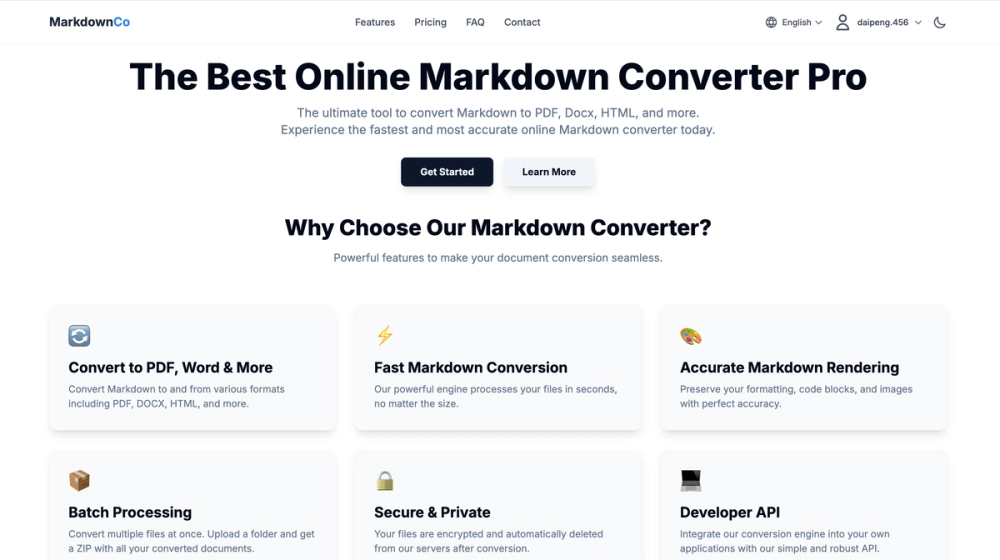
I. Product Introduction Markdown Converter Pro (https://markdownconverter.pro) is a powerful and easy-to-use online Markdown file conversion SaaS tool, dedicated to helping users efficiently achieve seamless conversion between PDF, HTML, and Docx files and Markdown. No client software installation is required; fast conversion can be completed through a web browser, making content processing easy and efficient.
II. Core Features
- Multi-format Conversion
Supports converting PDF, Word (.docx), HTML, and other files → Markdown (.md)
Supports converting Markdown (.md) → PDF, HTML, Word, and other formats
- Automatic Structure Parsing
Automatically identifies and converts headings, paragraphs, lists, tables, code blocks, and other structures in the document.
Preserves the original formatting and styles, making the generated Markdown clearer and more standardized.
- Preview and Editing Support
Provides a very intuitive preview of the converted Markdown file.
Also supports secondary editing of uploaded Markdown files before converting to the target file format.
- Image Extraction
Supports image extraction and archiving from all file types.
- Optimized Compatibility
Highly compatible with mainstream Markdown applications such as GitHub, Notion, Obsidian, and blog platforms.
The output format is user-friendly, suitable for direct publishing or further editing.
III. Applicable Scenarios
- Content Creators & Bloggers
Quickly convert Word, PDF, and other documents to Markdown format for optimized publishing on blogs, static websites, and other platforms.
- Developers & Technical Personnel
Unify the format of technical documentation, README files, and tutorial files to Markdown, facilitating standardized document management on code hosting platforms such as GitHub and GitLab.
- Knowledge Management & Note Migration
Migrate content between note-taking systems such as Notion and Obsidian, achieving unified and synchronized Markdown formatting.
- Enterprise Document Processing
Batch convert internal documents, PDF course materials, etc., to Markdown for convenient version management and multi-user collaboration.
- Education and Research Scenarios
Convert papers, lecture notes, and course materials to Markdown for importing into knowledge bases or generating static web pages.