Hidden macOS settings as one-click, undoable switches.
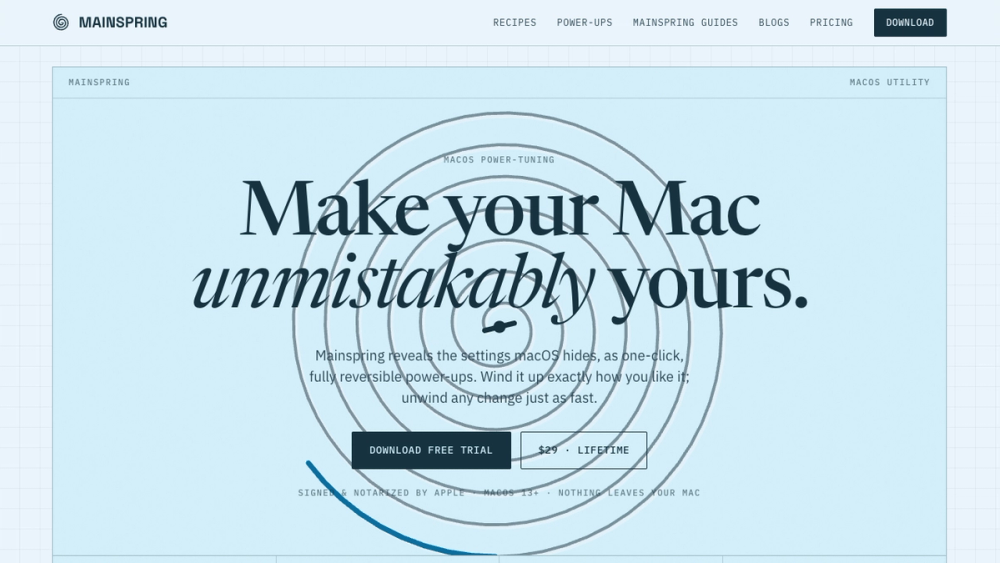
Mainspring turns the settings macOS hides into 90+ one-click, fully reversible power-ups for Finder, Dock, screenshots and more. $29 once.
About Mainspring
Mainspring reveals the settings macOS hides and turns them into 90+ one-click power-ups for Finder, the Dock, screenshots, animations, windows and more.
Every change is snapshotted, so any switch flips back in one click. Recipes such as Developer Setup (hidden files, all file extensions, fast key repeat) apply and revert as a set.
It runs locally with no account. $29 once, with a free 1-day trial.
Highlights
- Recipes apply a whole setup in one click and revert as a set: Speed Boost, Screenshot Studio, Privacy & Security, Declutter & Focus, Writer's Focus, Power Windows, Finder Power and Developer Setup.
- Each power-up is a real macOS setting Mainspring writes for you, labelled in plain English, and snapshotted so it flips back in a single click.
- Scenes switch your whole Mac by context.
- No Terminal commands copied off a forum and nothing permanent: Mainspring writes the setting and remembers how to undo it.
- Local only. No account, no upload. Signed and notarized by Apple, macOS 13 or later.
Details
- Price: $29 one-time, free 1-day trial
- Platform: macOS
- Website: https://trymainspring.com/
- Made by: Everyday Mac Tools