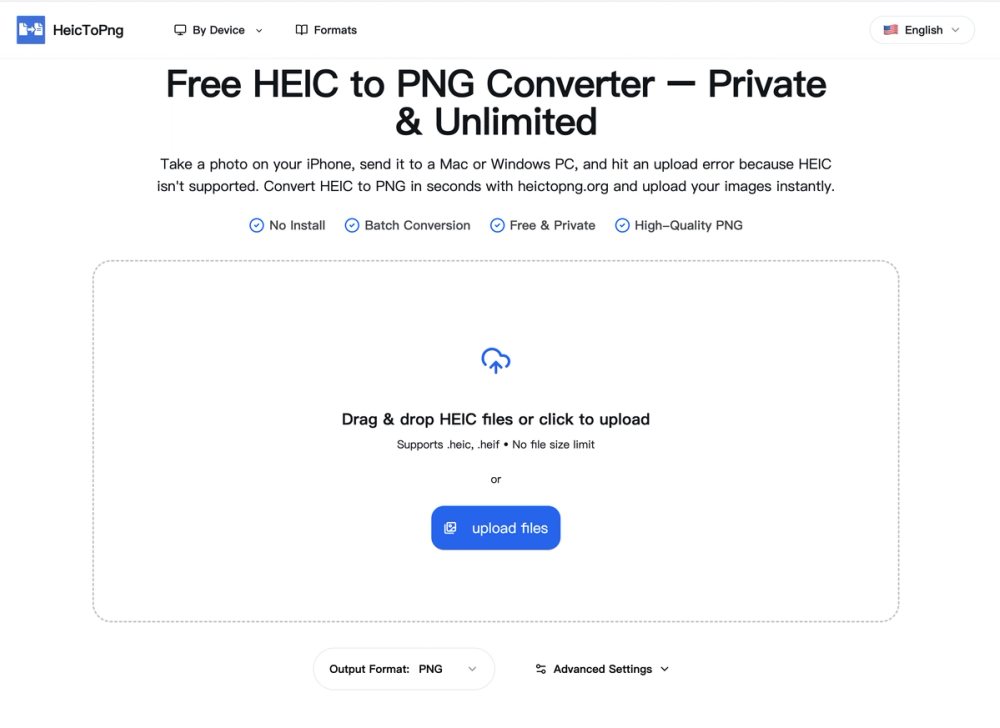
HeicToPng.org offers a free, private, and unlimited online tool to convert Apple's High Efficiency Image Coding (HEIC) photos into Portable Network Graphics (PNG) format. This service is crucial for iPhone users who encounter compatibility issues when transferring HEIC files to non-Apple devices like Windows PCs or when uploading to various web platforms and email clients that do not natively support HEIC.
The converter operates entirely client-side, meaning all image processing happens directly within your web browser. This ensures that your private photos are never uploaded to a server, guaranteeing complete privacy and security. This client-side approach also contributes to instant transformation, as there's no waiting for files to upload and download from a remote server.
Key features of HeicToPng.org include:
- 100% Secure Client-Side Conversion: Your data remains on your device, ensuring privacy.
- Bulk Convert 100 Images at Once: Supports batch conversion of up to 100 HEIC files per session, with each file up to 50MB, saving significant time for large photo collections.
- Completely Free & Unlimited: No daily limits, paywalls, sign-ups, or software installations are required.
- Instant Transformation: Conversions begin immediately upon dropping files, offering the fastest online HEIC to PNG process.
- Original Quality Retention: Converts .heic files to .png while preserving original resolution, color depth, and transparency, ensuring no loss in image quality. PNG is a lossless format, making it ideal for editing, logos, and sharing where quality is paramount.
- Works on Windows, Mac & Android: Solves compatibility issues across various operating systems and devices, allowing users to convert and view HEIC files directly from Chrome, Safari, or Edge browsers.
The conversion process is straightforward:
- Upload HEIC Files: Drag and drop up to 100 .heic or .heif images into the converter box.
- Convert Automatically: The browser-based engine processes the queue instantly.
- Download PNG Images: Download a ZIP file containing all converted PNG images, ready for use on any platform.
HeicToPng.org addresses the common problem of HEIC's limited compatibility outside the Apple ecosystem by providing a robust, user-friendly, and secure solution. While HEIC offers smaller file sizes for iPhone storage, PNG provides universal compatibility and lossless quality, making it the recommended format for sharing, editing, and web usage. The tool also highlights the differences between HEIC, PNG, and JPG, guiding users to choose the best format based on their needs (quality vs. file size).