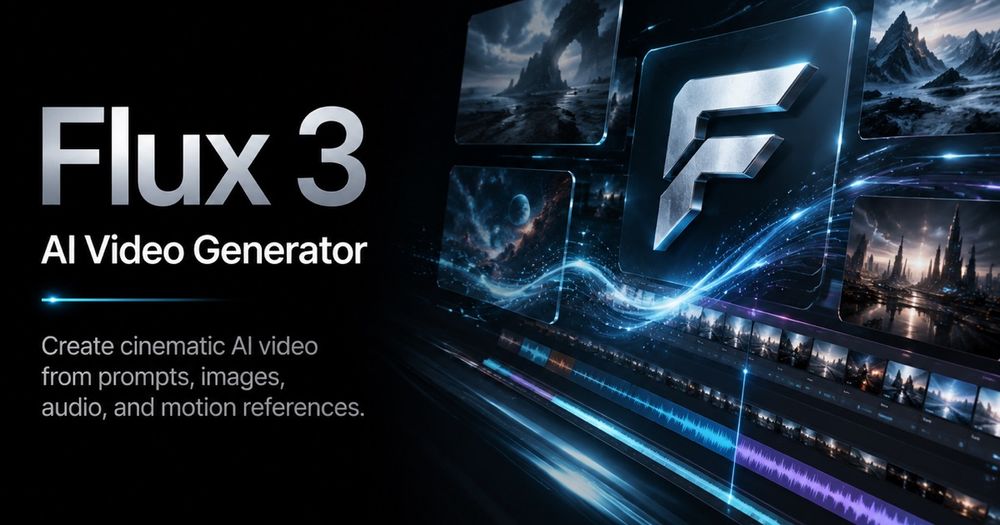
Flux 3 AI Video Generator is a cutting-edge platform designed for creators to produce cinematic AI videos from a single prompt, images, or reference clips. It stands out by offering a multimodal creative model that integrates images, video, and audio, enabling rapid prototyping and testing of video ideas. The platform simplifies the video creation workflow, allowing users to generate high-quality motion sequences efficiently.
Key Features:
- Prompt-First Video Creation: Users can initiate video generation by describing their desired shot using natural language, much like a director. This includes specifying the subject, action, lens feel, camera path, environment, lighting, color, mood, and timing, which the generator then translates into a video task.
- Reference-Guided Generation: To achieve precise results, Flux 3 allows the use of image or video references. These references can guide aspects such as identity, product shape, motion rhythm, framing, or overall style, making it highly effective for maintaining brand consistency and conducting repeatable creative tests.
- Video with Native Audio: A significant advantage of Flux 3 is its multimodal training, which generates video and audio simultaneously. This means clips come with integrated sound—such as footsteps, impacts, and ambient noise—that is perfectly timed to the on-screen action, eliminating the need for post-production audio synchronization.
- Expressive Motion and Dialogue: The AI model's understanding of real-world movement and sound enables it to handle nuanced human facial expressions, natural body movements, and multilingual dialogue, ensuring characters remain believable and engaging throughout a scene.
- One Clear Flux 3 Model Choice: The platform streamlines the generation process by offering a single, powerful Flux 3 model. Users simply choose their input type (text, image, or video), desired duration, aspect ratio, and resolution, then generate their video without navigating complex model comparisons.
- Video Examples and Visual Inspiration: To assist creators, Flux 3 provides a rich library of example visuals. These examples serve as inspiration, allowing users to study texture, camera motion, product framing, stylized scenes, and action rhythm before crafting their own prompts.
How It Works:
The video creation process with Flux 3 is straightforward and involves three main steps:
- Write a Flux 3 Prompt: Begin by clearly describing the scene, including the subject, action, camera movement, lighting, mood, and aspect ratio. Specificity in the prompt—detailing who appears, what changes over time, camera actions, and the desired final feel—yields the best results.
- Add Image or Video Guidance: Enhance precision by uploading a reference image for elements like product shape, character identity, composition, color palette, or scene direction. For more dynamic control over motion, rhythm, framing, or timing, a reference video can be used.
- Generate, Review, and Buy Credits: Generate a Flux 3 preview to inspect the output. Users can save the strongest results in their history. The platform integrates pricing and checkout, allowing users to purchase additional credits seamlessly when more generations are needed.
Use Cases:
Flux 3 is particularly strong for creators with specific creative goals:
- AI Ads and Brand Content: Generate short product scenes, launch teasers, paid social hooks, landing-page motion, and various campaign iterations. This allows teams to explore product angles, lighting, and movement cost-effectively before committing to full production.
- Concept Trailers and Storyboards: Transform a single scene idea into a moving concept shot. Users can describe camera language, emotion, scene transitions, and character behavior to test story moments visually before de...