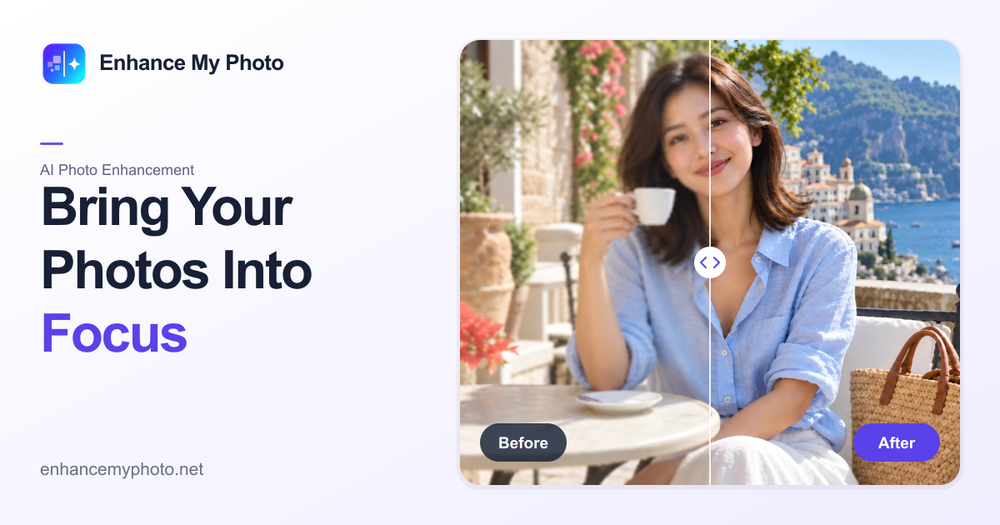
Enhance My Photo is a powerful online AI photo enhancer designed to significantly improve the quality of your images. This tool allows users to bring out clearer details and richer colors in various types of photos, including portraits, product shots, landscapes, and screenshots. The platform offers a user-friendly experience, enabling you to enhance photos and download them without watermarks, even without signing up.
The service provides a versatile workspace with six distinct scene presets to give every kind of photo the right treatment. Users can choose a starting point that best matches their image, ensuring consistent and high-quality output. These presets include:
- Everyday photos (General): For common snapshots.
- Portrait detail: Specifically designed to enhance facial features, skin texture, and eyes.
- Product clarity: Ideal for e-commerce, protecting object structure and brand details.
- Scenery depth: To bring out details in landscapes and environmental shots.
- Pet moments: For clearer fur and eyes in pet photos.
- Text and scans: To prioritize legibility in screenshots, labels, and scanned documents.
Key capabilities of Enhance My Photo include:
- Cleaner clarity: Restoring structure back to soft, compressed, or low-detail images.
- Recovered detail: Giving faces, objects, and small text a more legible finish.
- Preservation of dimensions: Uploading your original without resizing, and keeping the dimensions returned by the AI.
- Multiple export formats: Supporting JPEG, PNG, and WEBP for flexibility.
The enhancement process is a clear three-step loop:
- Upload safely: Your file is checked for type, dimensions, pixels, and ownership.
- Let the queue work: Watch the task move from submission to processing without needing to understand the technical setup.
- Compare and download: Review the before and after result, then keep the output or remove the task.
Users can choose between two quality levels:
- Flash: A fast, efficient enhancement for everyday photos.
- Pro: Offers generative enhancement that may reconstruct missing details; portraits, products, and text automatically use protective processing. (Note: Pro quality often requires a paid subscription).
Enhance My Photo emphasizes a trustworthy workflow, allowing visitors to try enhancements without an account and download results immediately. Signed-in users benefit from saved enhancements in their task history. The platform also provides tips for achieving optimal results, such as using the portrait scene for natural-looking faces, the product scene for clear product edges, and the text scene for legible text.