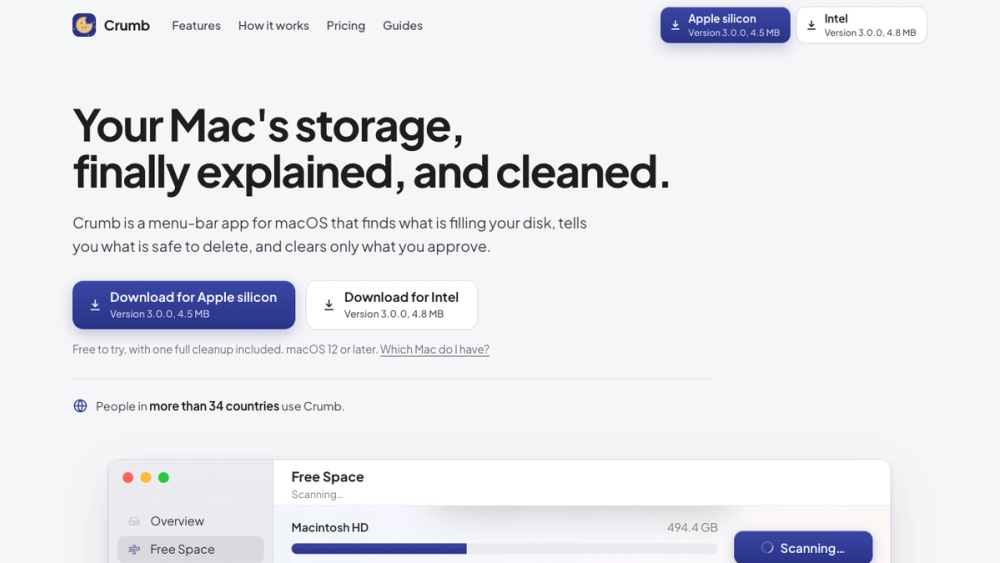
Mac storage cleaner that explains what is safe to delete.
A Mac menu bar app for a full disk. See what is using your space, read whether it comes back on its own, and remove only what you tick.
About Crumb
Crumb is a Mac menu bar app for a full disk. A read-only scan maps what is using your space: System Data, Xcode build data, developer caches, old iPhone backups, app leftovers and your biggest folders.
Every item gets a plain English note on whether it comes back on its own, and only the items you tick are removed. No account, and your files stay on your Mac.
The scan and one full cleanup are free. Crumb Pro is $9 once, with a 7-day money back guarantee.
Highlights
- Read-only scan: nothing changes until you say so.
- Only what you tick goes, and every item shows its size and why.
- Uninstall removes apps together with the support files, caches and preferences they leave behind.
- Duplicates finds identical files anywhere on your Mac and keeps one copy of each. You choose what goes.
- Organize sorts a messy folder like Downloads into tidy folders by type, and shows you the plan before a single file moves.
- Point Crumb at any folder and it explains what it is, whether it regenerates, and what breaks if it goes.
- Native downloads for Apple silicon and Intel, macOS 12 or later.
Details
- Price: Free scan and one cleanup, Crumb Pro $9 one-time
- Platform: macOS
- Website: https://cleanwithcrumb.com/
- Made by: Everyday Mac Tools