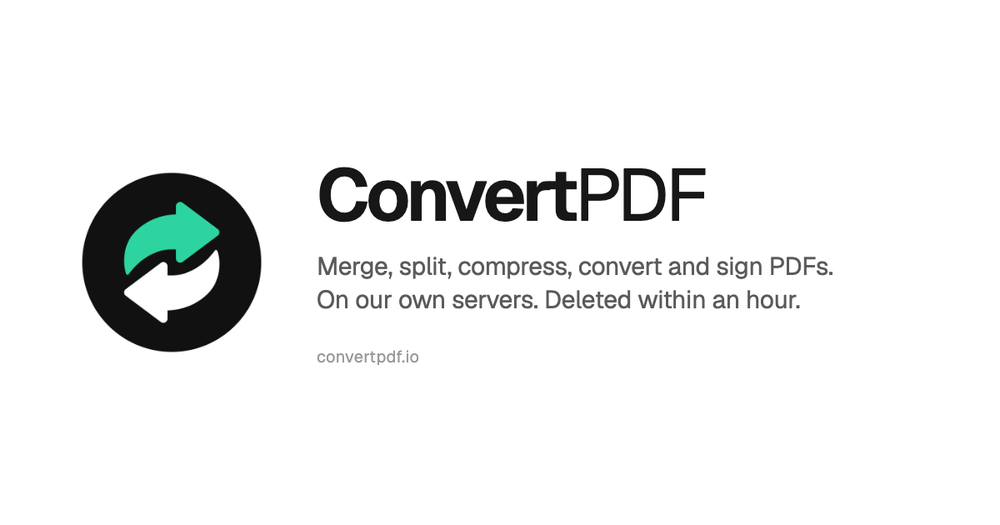
The website ConvertPDF offers a comprehensive suite of online PDF tools designed for ease of use, privacy, and efficiency. It allows users to perform a wide range of PDF manipulations directly in their browser, without requiring any software installation or sign-up for basic features. The service emphasizes security and privacy, stating that all file processing occurs on their own servers, with no third-party AI or conversion APIs involved, and all uploaded files are deleted within one hour.
Key Features:
- Organize PDFs:
- Merge PDF: Combine multiple PDF documents into a single file, allowing users to arrange the order of pages.
- Split PDF: Divide a large PDF into smaller, manageable parts or extract specific pages.
- Organize pages: Visually rearrange, reorder, or delete pages within a PDF document.
- Rotate PDF: Correct the orientation of pages, useful for scanned documents or mixed-orientation content.
- Remove pages: Easily delete unwanted pages like blank scans, cover pages, or appendices.
- Extract pages: Select and pull out only the necessary pages from a document.
- Convert PDFs:
- Convert to PDF: Transform various file formats into PDFs, including Word to PDF, Excel to PDF, PowerPoint to PDF, JPG to PDF, and PNG to PDF. This ensures consistent document appearance across different devices and printers.
- Convert from PDF: Extract content from PDFs into editable or image formats, such as PDF to Word, PDF to JPG, PDF to PNG, and PDF to Text.
- OCR PDF: Convert scanned documents or image-based PDFs into searchable and selectable text, preserving the original look.
- PDF to PDF/A: Convert PDFs to the PDF/A standard for long-term archiving and preservation.
- Optimize PDFs:
- Compress PDF: Reduce file size for easier sharing via email or upload, with a preview of savings.
- Repair PDF: Attempt to fix damaged or corrupted PDF files.
- Edit PDFs:
- Add page numbers: Insert sequential page numbers into documents, especially useful for merged files.
- Add watermark: Apply custom watermarks to documents, e.g., "Draft" or "Confidential."
- Security Features:
- Protect PDF: Encrypt PDFs with a password to restrict access.
- Unlock PDF: Remove password protection from PDFs when the password is known.
- Sign PDF: Electronically sign documents without the need for printing and scanning.
Use Cases:
ConvertPDF is ideal for individuals and businesses needing quick, secure, and reliable PDF manipulation. It's perfect for students combining research papers, professionals preparing reports, or anyone needing to convert documents for sharing or archiving. The integration with AI agents like ChatGPT and Claude further extends its utility, allowing users to issue commands directly within their AI conversations to process PDFs.
Unique Selling Points:
- Privacy-focused: Files are processed on ConvertPDF's own servers and deleted within one hour, ensuring data privacy. No third-party AI or conversion APIs are used.
- Free Basics: Many essential tools are available for free without requiring an account.
- No Installation: All operations are performed online through a web browser.
- AI Agent Integration: Seamlessly works with ChatGPT and Claude, allowing users to command PDF operations directly from their AI chat interface.
- Comprehensive Toolset: Offers a wide array of tools covering organization, conversion, optimization, editing, and security.
- User-Friendly Interface: Designed for simplicity, guiding users through three clear steps: pick task, add files, download result.