Launching a mobile app is weirdly fragmented.
You build the actual product in one place, then suddenly you need:
App Store screenshots Play Store screenshots ASO copy promo videos localized screenshots app icons social launch graphics keyword tracking maybe store publishing too And somehow all of that usually means jumping between Figma, Canva, spreadsheets, video tools, translation tools, App Store Connect, Play Console, and a folder full of exports named final-final-v3.png.
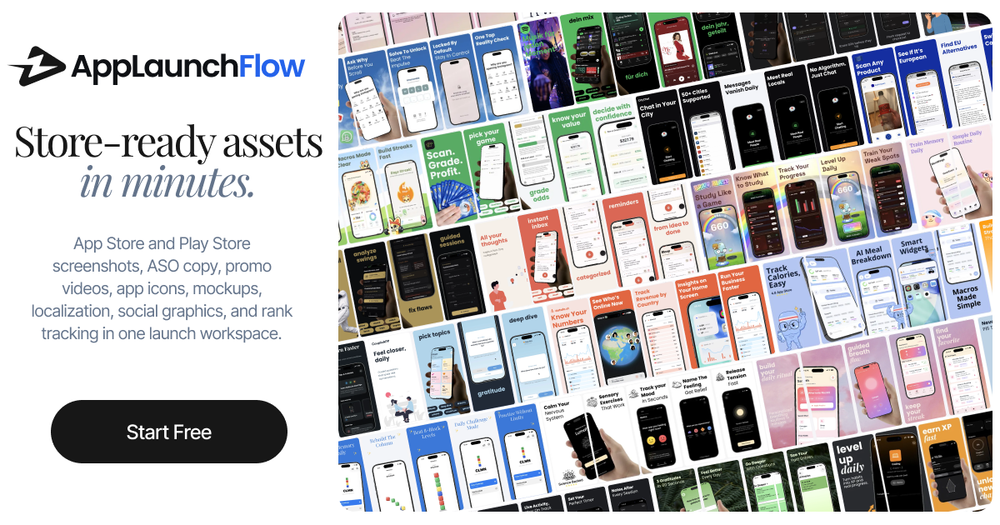
I built AppLaunchFlow because I wanted one workspace for the launch assets around an app.
The idea is simple: upload your raw app screenshots once, then reuse them across everything else.
AppLaunchFlow can help generate and edit:
App Store and Play Store screenshot sets ASO copy and metadata App preview / promo videos social graphics and OG images 3D mockups app icons localized screenshots and copy keyword tracking after launch The screenshot editor is the core of it. AI can draft layouts and copy, but you still get a visual editor to adjust text, spacing, colors, device frames, order, and export sizes. I wanted it to feel fast, but not like a black box.
There is also a promo video workflow that turns screenshots into a storyboard, an icon composer with layered editing, and a keyword monitor so you can see whether your ASO changes are actually moving rankings.
The landing page says: “Store-ready assets in minutes.”
That is the whole goal. Not to replace building the app, but to remove the repetitive launch work around it.
You can try it here:
I’d love feedback from other mobile devs: what is still the most annoying part of preparing an app store launch?