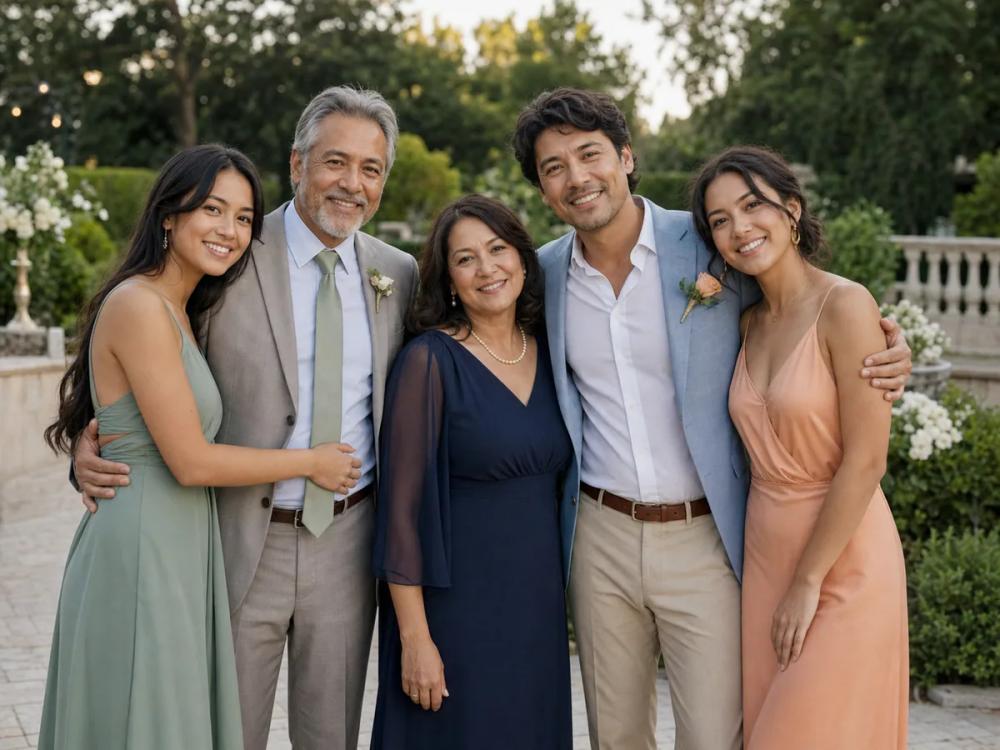
The "Add Loved One to Photo Online" tool provides an AI-powered solution for seamlessly integrating a person from a separate portrait into an existing group or event photograph. This innovative online service eliminates the need for complex photo editing software like Photoshop, offering a straightforward three-step workflow to create cohesive and natural-looking compositions.
Key Features:
- Two-Photo Workflow: The tool operates by taking one main group or event photo (e.g., wedding, graduation, family reunion) and one separate portrait of the person to be added.
- AI-Powered Composition: Leveraging advanced artificial intelligence, the service automatically analyzes both images to adjust composition, scale, lighting, and perspective, ensuring the added person blends naturally into the scene.
- Optional Placement Guidance: Users can provide a short, optional note to guide the AI on the desired placement of the added person (e.g., "beside the bride," "at the left edge of the group"), allowing for more precise control over the final output.
- No Manual Editing Required: The entire process is automated, meaning users do not need any photo editing skills for cutting, masking, or layer manipulation.
- High-Resolution Output: The tool encourages the use of original, high-resolution image files (JPG, PNG, WebP, up to 10 MB) to achieve the best possible results, which can then be downloaded for printing or sharing.
- Temporary Storage: Result links and job records are temporary, emphasizing the need to download the generated photo immediately.
How It Works:
- Choose Photos: Upload the main group photo first, followed by the separate portrait of the person you wish to add.
- Guide Placement (Optional): Review the selected photos and, if necessary, add a brief note specifying the desired position or relationship of the added person within the group.
- Review and Download: Generate the photo, then inspect the AI-composed image using the full-screen view to check details before downloading the final result.
Use Cases: This tool is particularly valuable for creating meaningful composite photos for various life events:
- Memorial Photos: Add a deceased loved one to significant family events like weddings, graduations, or family portraits, allowing them to be part of cherished memories.
- Wedding Photos: Integrate a family member who couldn't attend or was missed in the original wedding photographs.
- Graduation Photos: Include a parent, grandparent, or friend in a graduation picture.
- Family Portraits: Combine individuals from different photos to create a complete family portrait, especially useful when not everyone can be present for a single photoshoot or when using older portraits.
Photo Selection Guide for Best Results: To maximize the chances of a natural-looking composition, the tool recommends:
- Clear Face Visibility: Use portraits with familiar expressions, sharp eyes, and unobstructed facial features.
- Matching Camera Angle: Select portraits with a camera angle similar to the group photo (e.g., front-facing portrait for a front-facing group).
- Compatible Light Direction: Look for portraits where highlights and shadows align roughly with the lighting in the main group photo.
- Preserving Details: Upload the uncropped group photo to ensure all existing faces, hands, clothing, and event details are protected.
- Original File Quality: Always use the highest-resolution original files available, avoiding screenshots or heavily compressed copies.
The service currently supports adding one person per generation and advises careful review of AI-generated details, as the AI infers pose, body, scale, and lighting, which may lead to reinterpretations of facial and scene elements.